Making Payment Against a Proforma Invoice
This section covers the steps for making a payment against a Proforma Invoice, which is a preliminary invoice issued before the final invoice and is typically used to facilitate advance payments for added services.
To pay a Proforma Invoice, follow these steps:
- Navigate to Account Centre > Billing and click the Invoices, PIs and Credit Notes tab.
- Click the Proforma Invoices tab. The following screen appears:
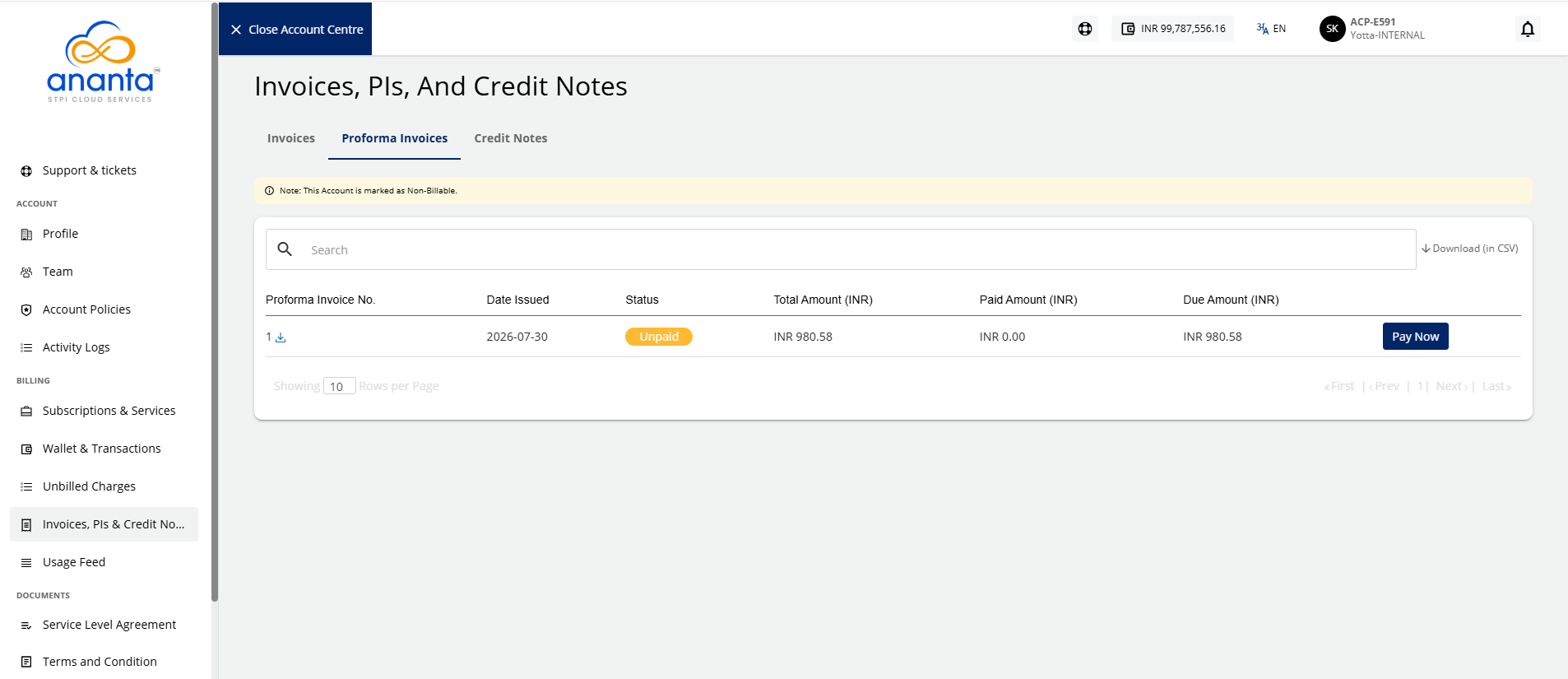
- Click the Pay Now button. The following screen appears:
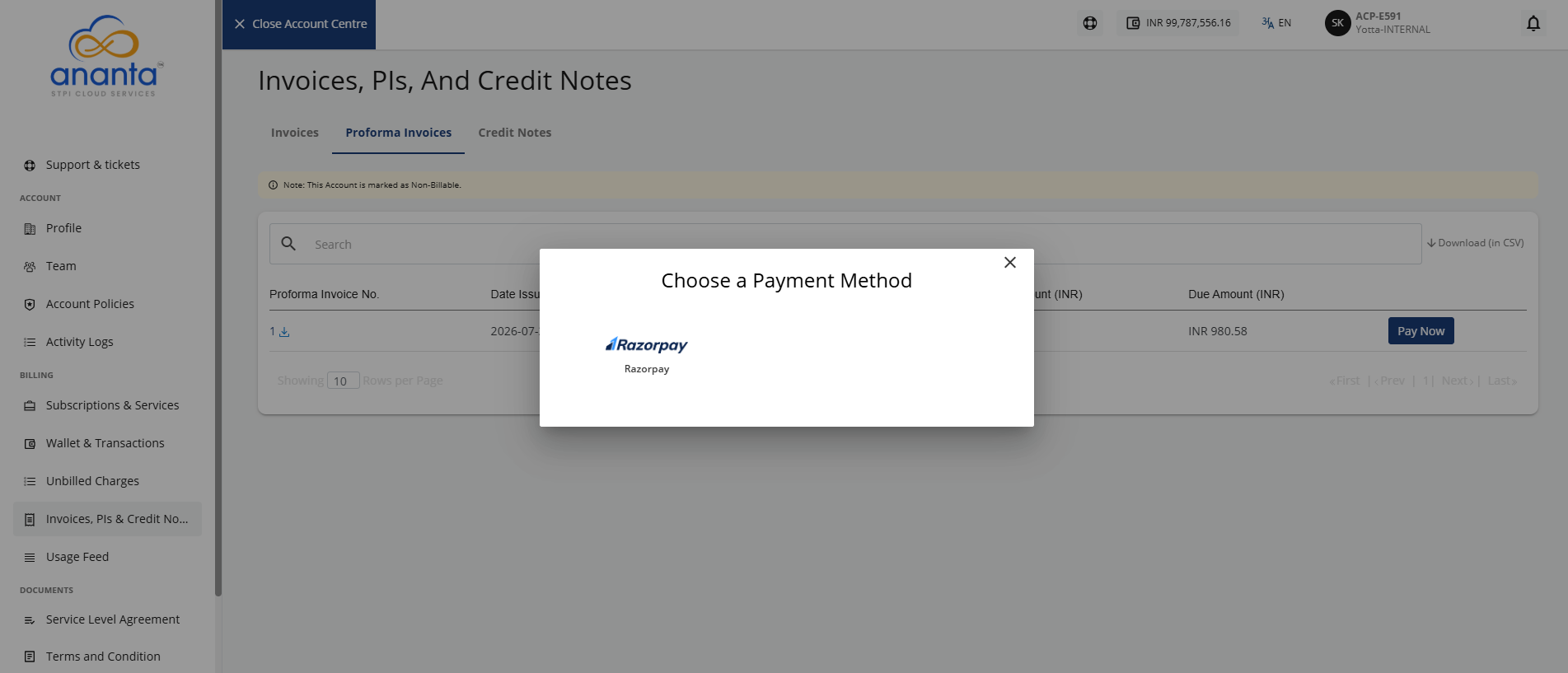
- Select the payment method. The following screen appears:
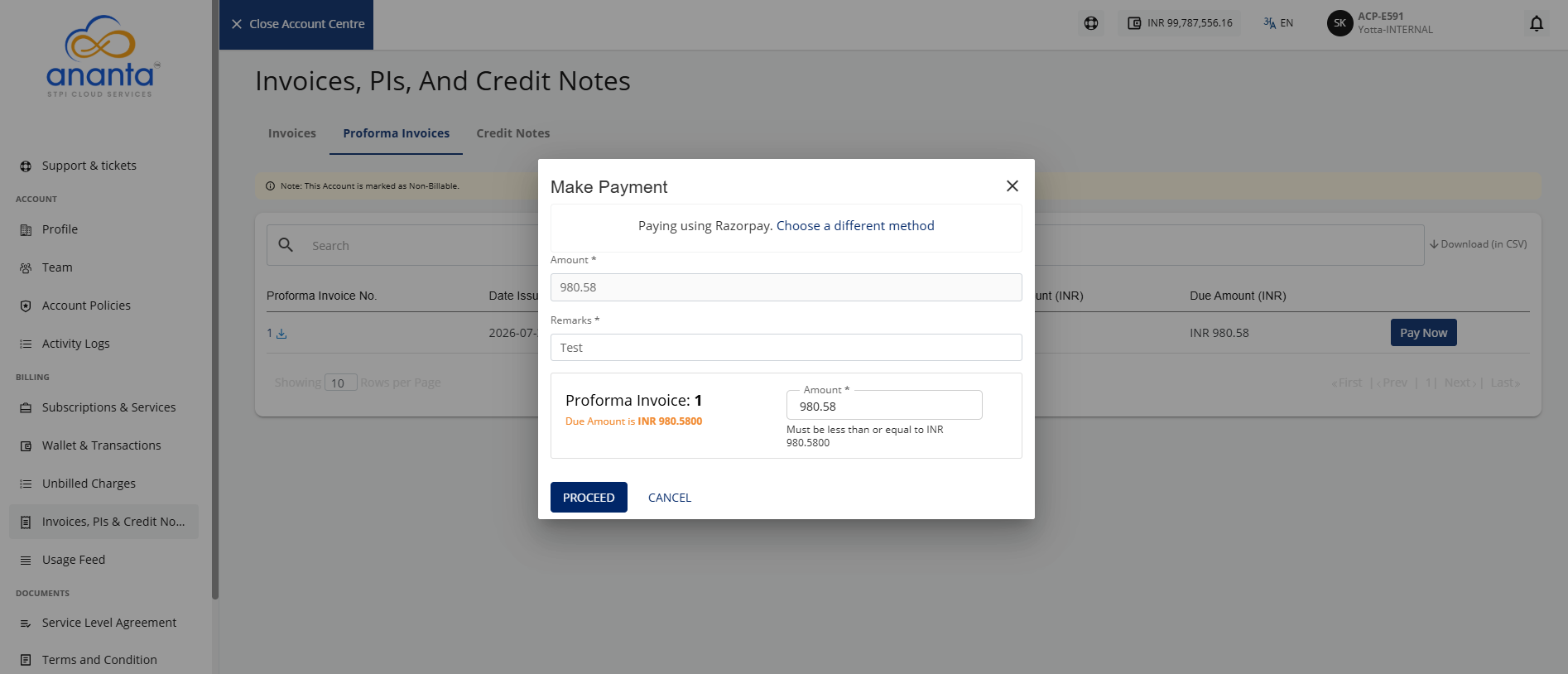
- Provide the following details:
- Remarks
- Amount you want to pay.
- Click the Proceed button. The following screen appears:
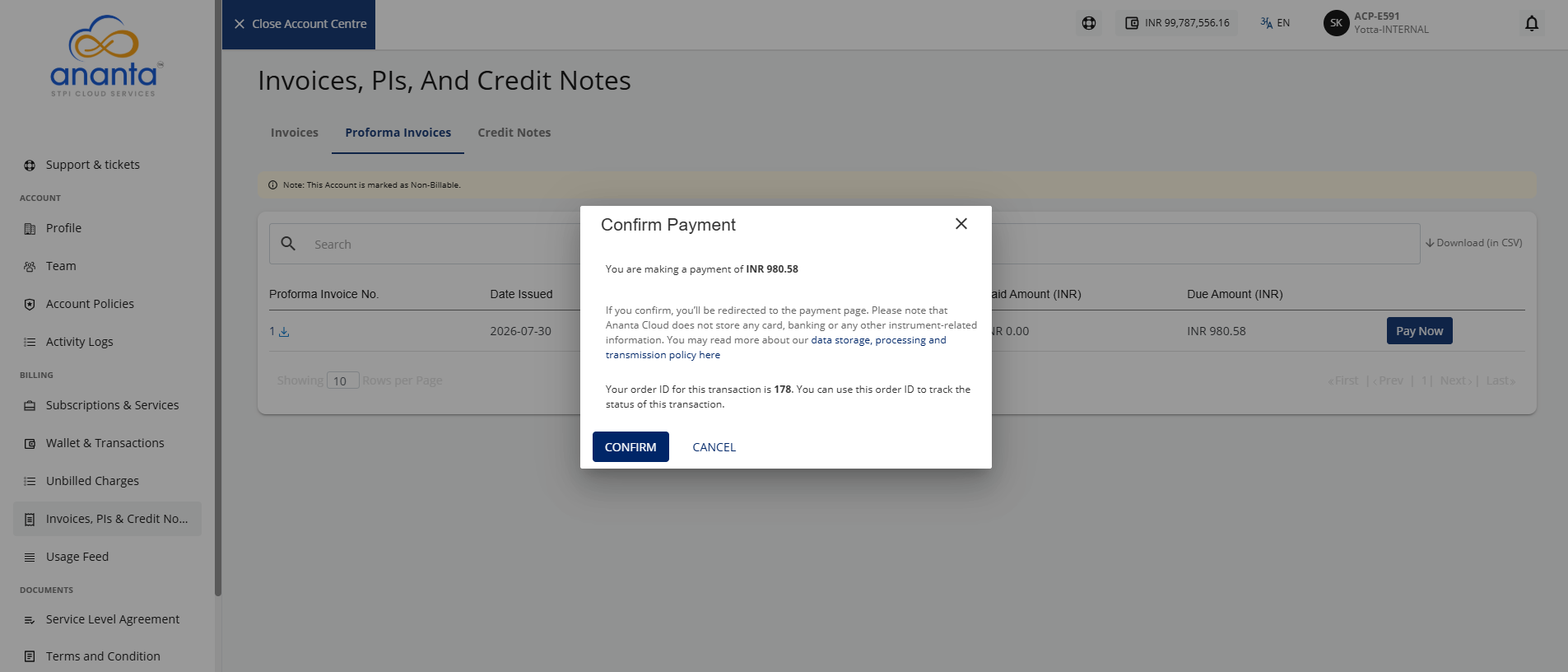
- Click the Confirm button.
You will be redirected to the payment gateway page to complete the payment.