Cluster Operations
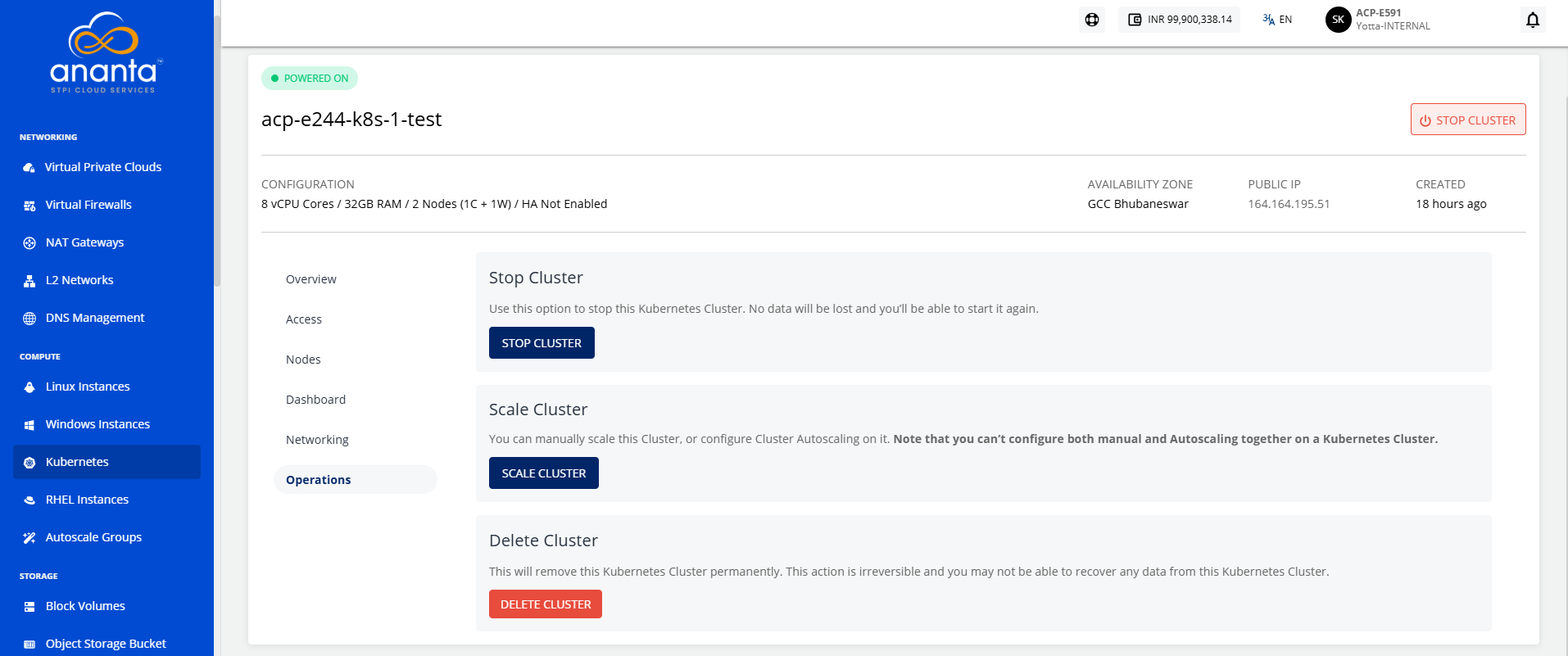
Kubernetes clusters created on Ananta Cloud Console allow for a set of management operations from the Cloud Console UI. While these options can be controlled using kubectl, these are provided on the UI for quick and easy access.
Powering ON/OFF a Cluster
Kubernetes clusters can be powered ON/OFF using the Power button on top of the cluster details. This button will typically show in green when a cluster is powered ON, and grey when powered OFF.
Stopping and Restarting a Cluster
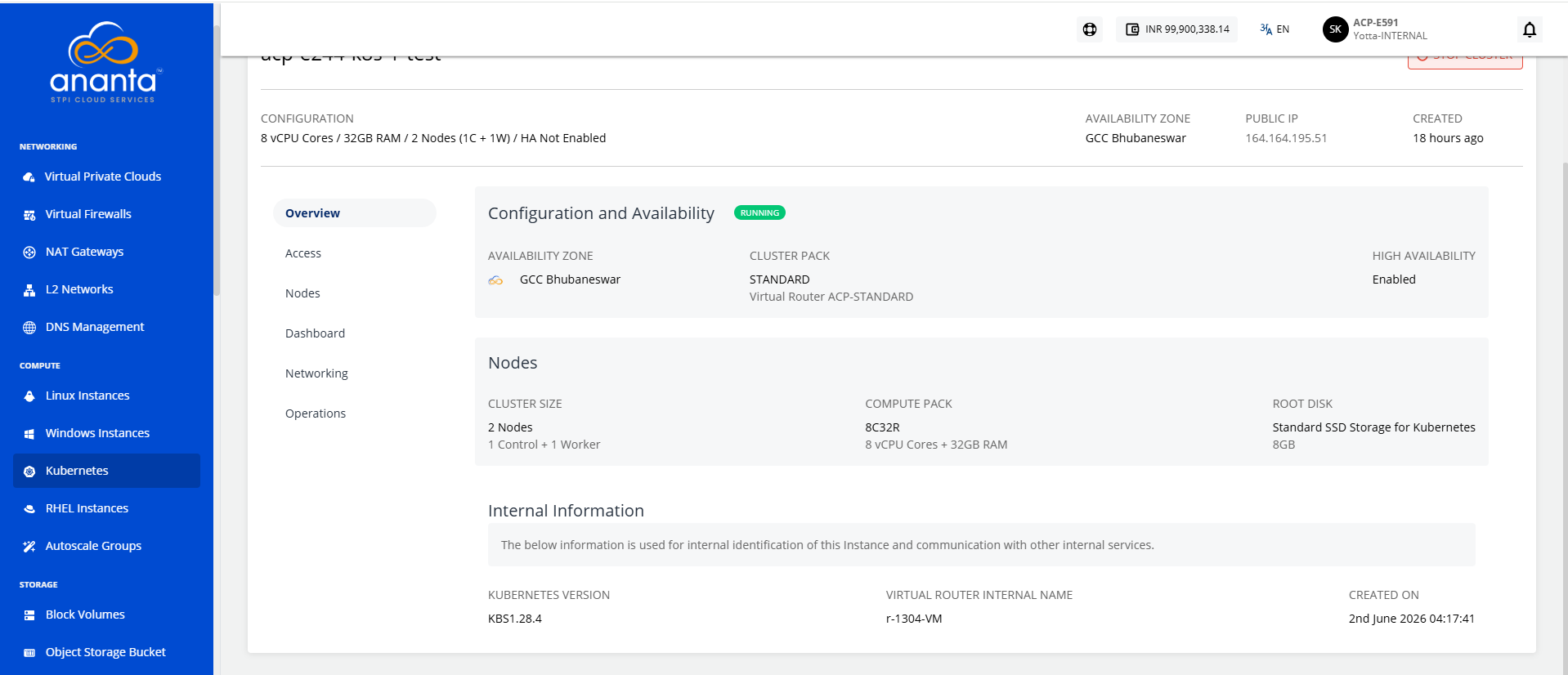
Kubernetes clusters can be stopped or restarted from the Operations section of cluster details.
- Stop Cluster - To stop the Kubernetes cluster. No data will be lost, and the cluster can be started again.
- Restart Cluster - This action will restart the Virtual Router and the cluster nodes can/should be used if a Kubernetes Cluster has become unresponsive or unreachable.
Deleting a Cluster
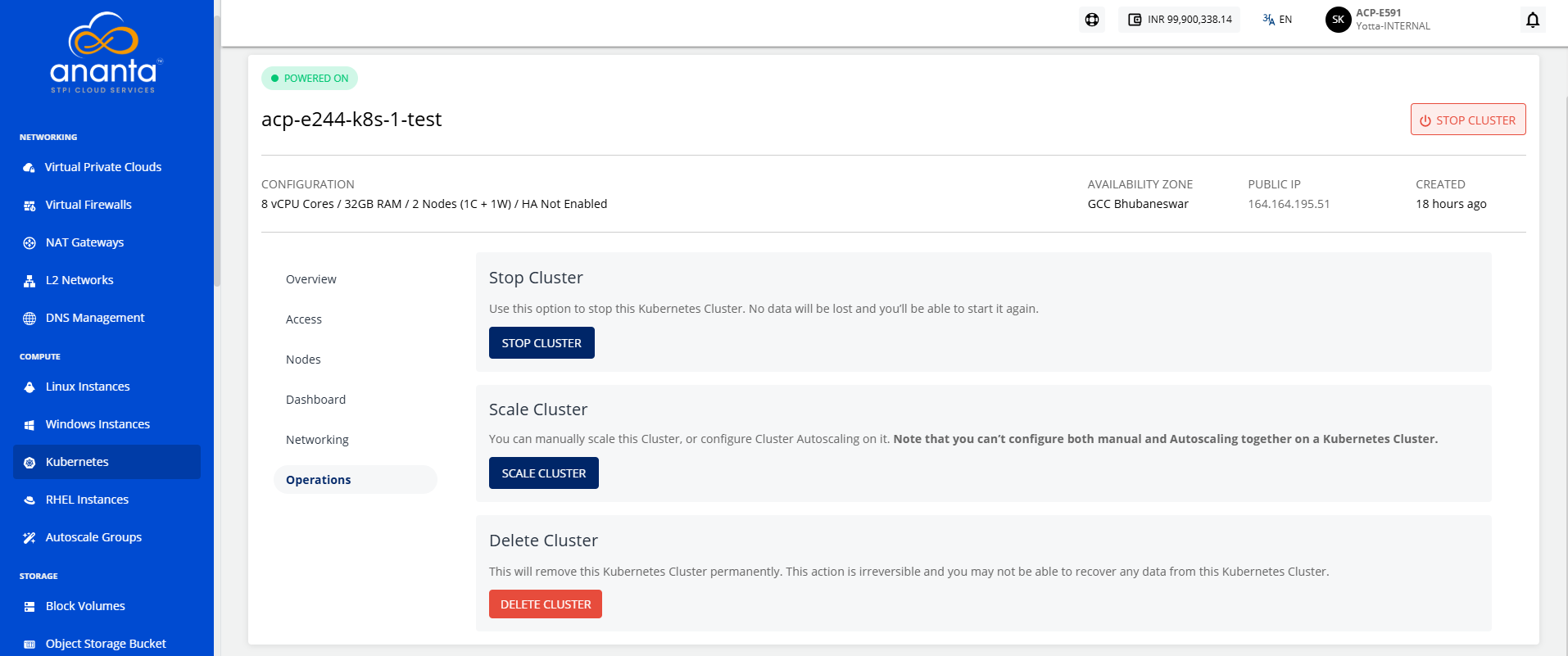
A cluster can be deleted permanently from the Operations section under cluster details. This action is irreversible, and no data from a deleted Kubernetes cluster can be recovered.