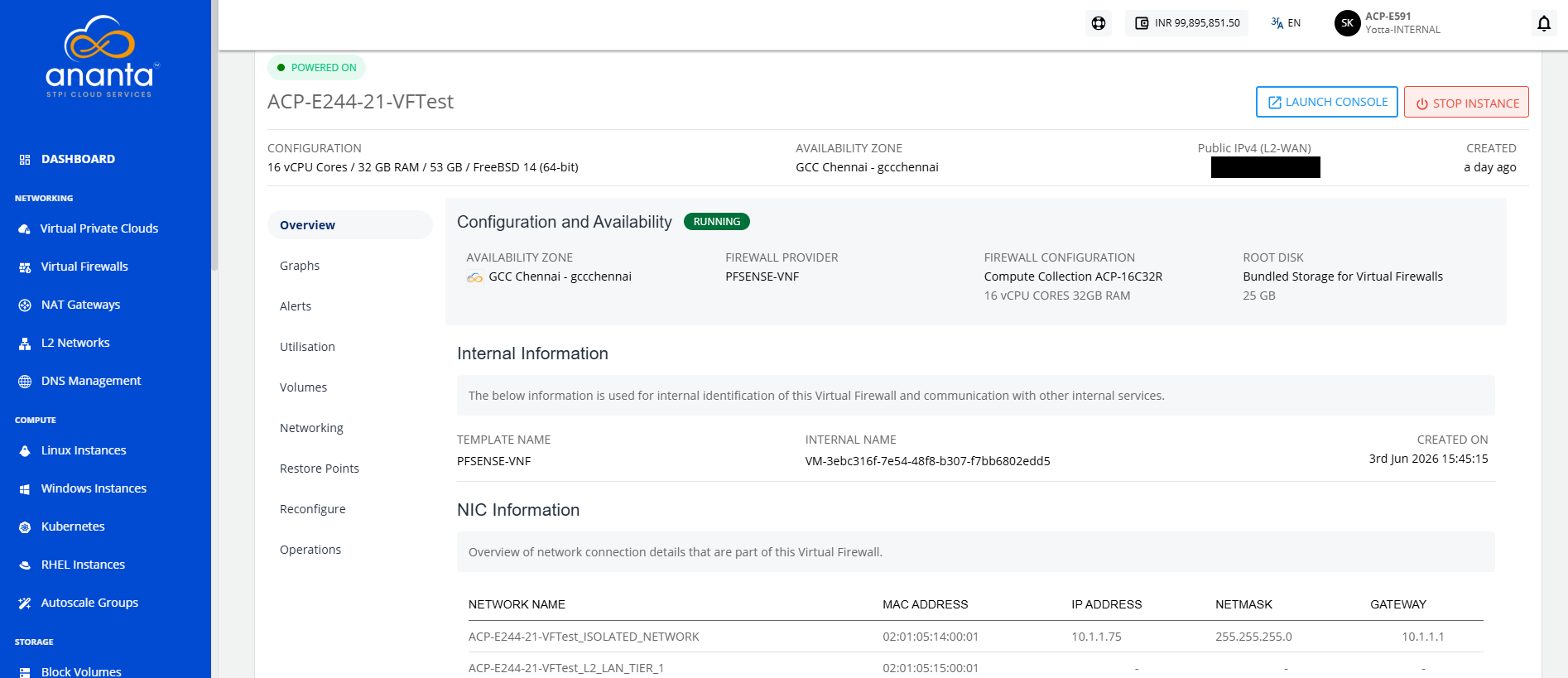
Viewing Virtual Firewall Details
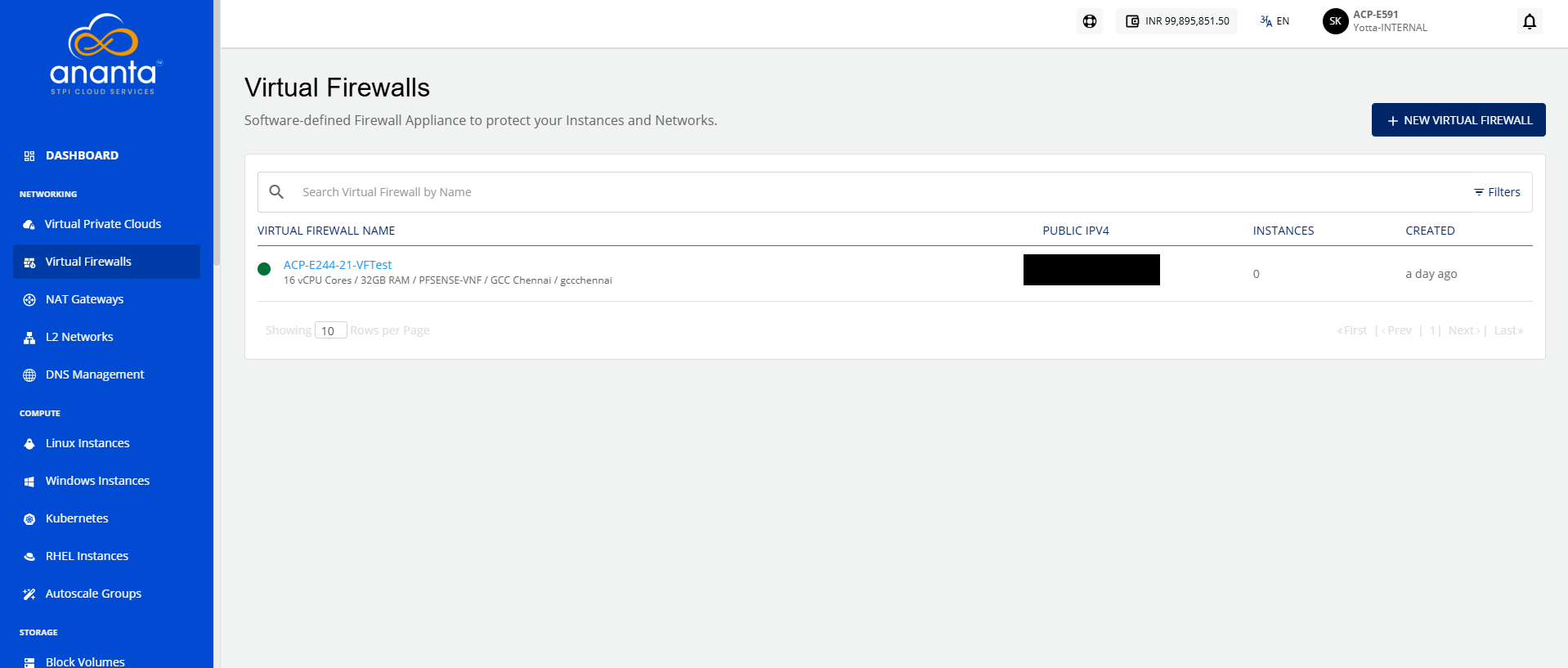
As the virtual firewalls are created, Cloud Console users can view the enabled Virtual Firewalls in the Networking > Virtual Firewalls section. The following details are shown:
- Names of the Virtual Firewalls
- Public IPV4
- Number of Instances associated with each Virtual Firewall
- Creation Date
To view the details of Virtual Firewall, click the Virtual Firewall name. Additionally, users will also be able to log in to the Virtual Firewall’s self-service UI.