Volume Management
To view the disks attached to this Instance, navigate to the Networking, select a Virtual Firewall and access the Volumes tab.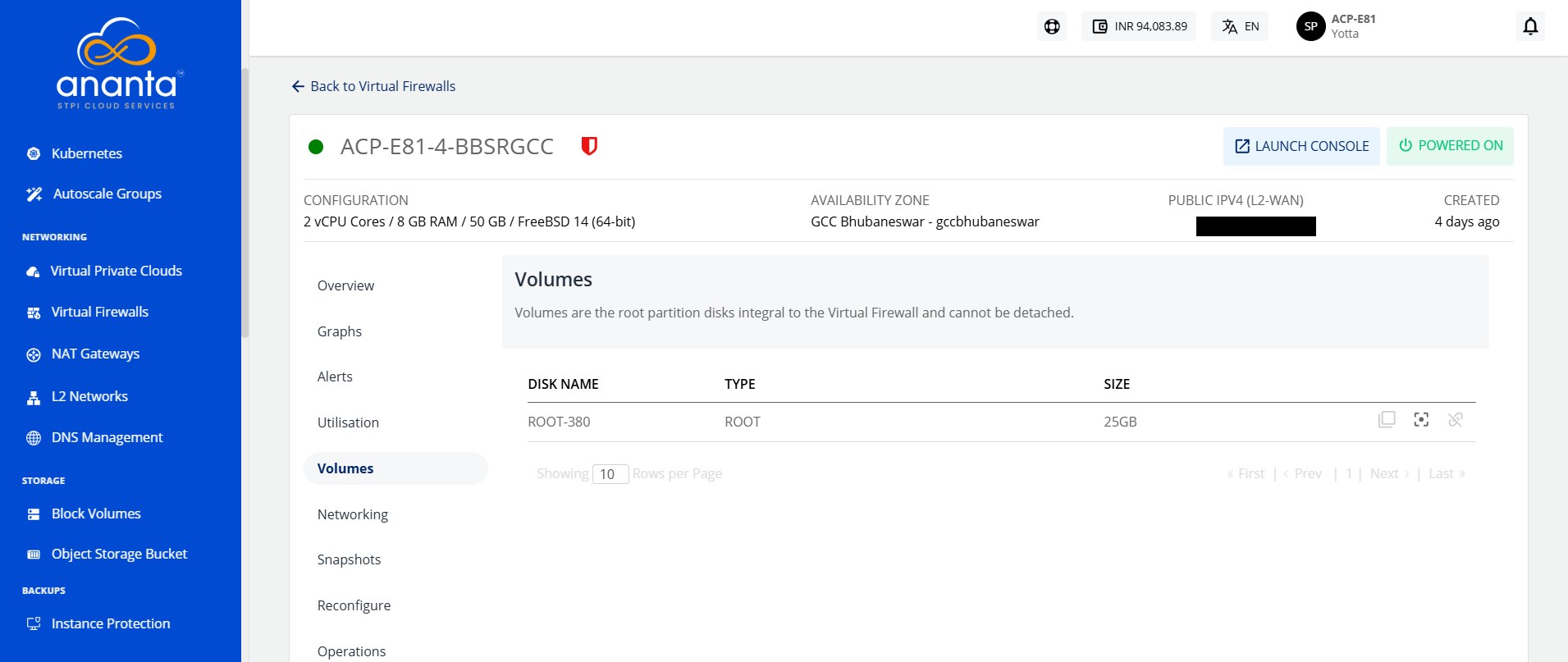
Virtual Firewall work with the Block Volumes Service and let you carry out basic disk operations.
The following are the quick actions:
- Create Template - Click on it, and enter the image name and description.
- Create Snapshot - Clicking on this will create a Volume snapshot.
- Detach/attach - This will attach/detach the volume to/from the instance.
note
Volume-level operations are available as part of the Block Volumes service.